Use case
Give students and visitors a clickable campus map
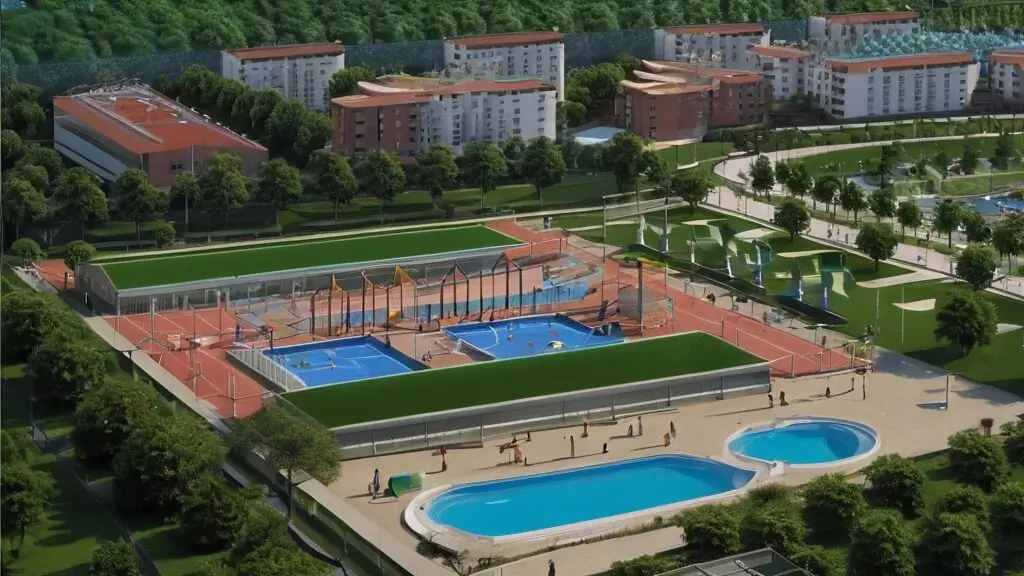
Universities, colleges, and schools use Interactive Real Estate to build interactive campus maps. Overlay building names, room numbers, and department links on a floor plan or site map — and embed the result anywhere on your WordPress site with a single shortcode.
Key Benefits
What you get with this use case
Label every room, office, and facility on a campus or building floor plan
Link zones to department pages, timetables, or booking forms
Help prospective students explore facilities before an open day
Update room assignments each semester without developer help
Why Interactive Real Estate
Built for property websites
Responsive
Maps scale to any screen and work with taps and swipes on phones and tablets.
No code required
Draw clickable areas and set prices and statuses in the WordPress admin — no SVG or JavaScript.
Use anywhere
Paste one shortcode into Gutenberg, Elementor, Divi, WPBakery or any theme.
Lightweight
SVG overlays on your own image. No heavy map library and no external service.
Live preview
See how an interactive building works on your website
Buyers explore your development the way they actually want to — click any unit for its price, area, floor and availability. They find the flat that fits before they ever pick up the phone, and your sales team spends its time on people who are ready to buy.
Free plan on WordPress.org — no credit card required

Click · Filter · Reserve
One shortcodeFAQ
Frequently asked questions
How is this different from dedicated campus mapping software?
Can I create maps for multiple buildings on one campus?
Can students book rooms directly from the campus map?
How often can we update room assignments?
Other use cases
All use casesInteractive Parking Map Plugin for WordPress
Show available and reserved parking spaces on a clickable map on your WordPress site. Perfect for paid parking facilities, airports, and mixed-use developments.
Hotel Map Editor
A visual hotel map editor for WordPress. Draw rooms, floors, and amenities over any photo or floor plan and publish an interactive hotel map guests can click before they book.
Interactive Apartment Building Map for WordPress
Showcase every flat in your apartment building on a clickable SVG map. Let buyers filter by floor, price, area, and status — all with one WordPress shortcode.
Ready to make your images interactive?
Install the free version from WordPress.org and create your first interactive image in minutes — no coding required.